
Website guide
Restoration company web design: make urgent help easy to find
Plan a restoration company website that helps stressed visitors quickly find the service, service area, contact route, trust details, and next step on a phone.
Quick answer
A restoration website should make urgent information easy to find before it tries to impress. Put the real services, areas served, primary contact route, availability details you can support, and trust information near the top. Then test the journey on a phone as if someone needs help right now.
A simple way to approach it
- 01
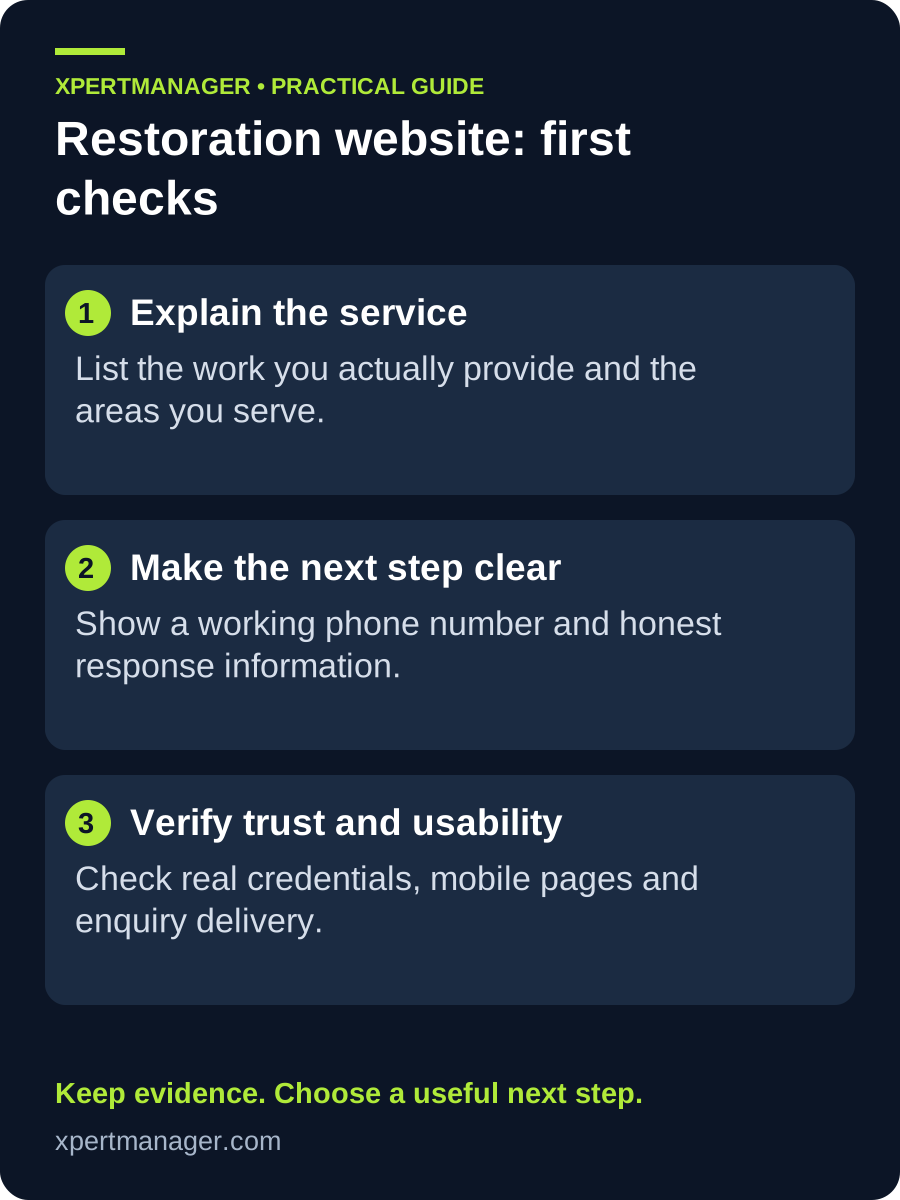
List the emergency and planned services your team genuinely provides, along with the locations and contact routes that are accurate today.
- 02
Create clear service pages that explain the situation, the first safe next step, what the visitor can expect, and how to contact the team.
- 03
Test the call, form, map, opening hours, and confirmation process on a mobile phone. Fix the first point where a visitor could be left uncertain.
What a visitor needs in the first few seconds
A person dealing with water, fire, mould, or property damage may be tired, worried, and using a small screen. They should be able to understand what you do, whether you serve their area, and how to reach you without scrolling through a long brand story.
Use everyday service names, honest availability language, and a clearly labelled call or enquiry action. If a service is not offered outside certain hours or areas, say so plainly instead of creating a confusing expectation.
Build pages around real restoration questions
A useful service page answers the practical questions behind a search: what problem is being addressed, which properties or areas are covered, what information the customer should have ready, and what happens after contact. It should guide—not diagnose or promise an outcome.
Add local details only where they are true and useful. Repeating city names without local service information does not help someone in an urgent situation and makes the page less trustworthy.
Good to know
- Do not claim a response time, licence, certification, insurance status, or result unless it is current and can be supported.
- Use project photos, reviews, and case studies only with permission and enough context to avoid misleading visitors.
- A website supports the response process; it cannot replace safe operational procedures or a properly staffed emergency line.
Common questions
Questions people ask
What should be on a restoration company home page?
Show the real services, service area, primary contact route, accurate availability, proof you are allowed to publish, and a clear next step.
Should restoration pages include emergency claims?
Only when they are true, current, and backed by the team’s operating process. Clear limits are better than an unsupported promise.
Why test a restoration website on mobile?
Many urgent visitors use a phone. Mobile testing reveals whether calls, forms, maps, and key information work when time and attention are limited.