
Google Business Profile guide
How to Choose Your Primary Google Business Profile Category
Choose a Google Business Profile primary category that matches your core business. Use a decision worksheet, real-world examples and an editing checklist.
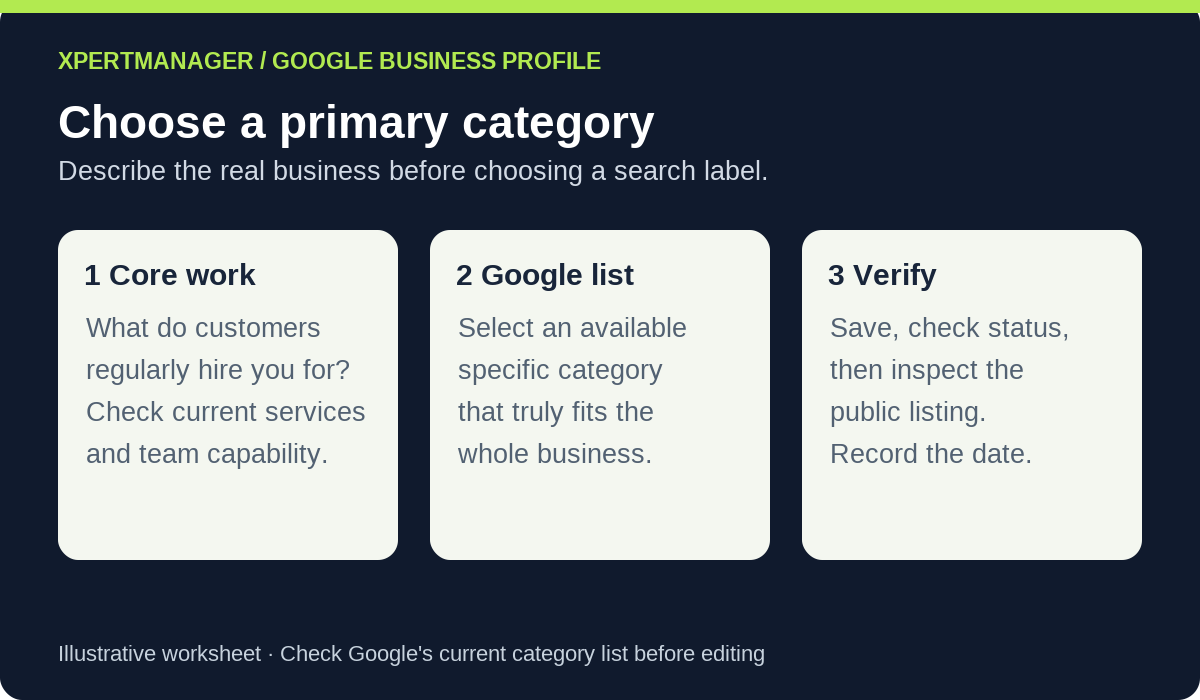
Quick answer
Choose the most specific category Google offers that accurately describes your business as a whole. List the work customers primarily hire or visit you for, check the available choices in the profile editor, and use additional categories only for other genuine parts of the business. A service you offer is not automatically a separate category. Check the public profile after saving because an edit can require reverification.
A simple way to approach it
- 01
Describe your core business in one sentence and list the work you regularly deliver.
- 02
Compare Google's available categories with that core business, not only a desired keyword.
- 03
Select one accurate primary category and a few relevant additional categories if needed.
- 04
Save through the managing account; check edit status and the public listing.
- 05
Review the choice when the business changes, using real customer and operational evidence.
Start with the business customers actually use
The primary category is the main label for a Google Business Profile. Google says categories can affect local ranking, but its instruction is to describe the business accurately. Begin with a plain sentence: ‘Customers hire us to repair household plumbing,’ or ‘Customers bring cars to our staffed repair shop.’ The sentence should remain true after you remove promotional claims and services you only hope to offer in the future.
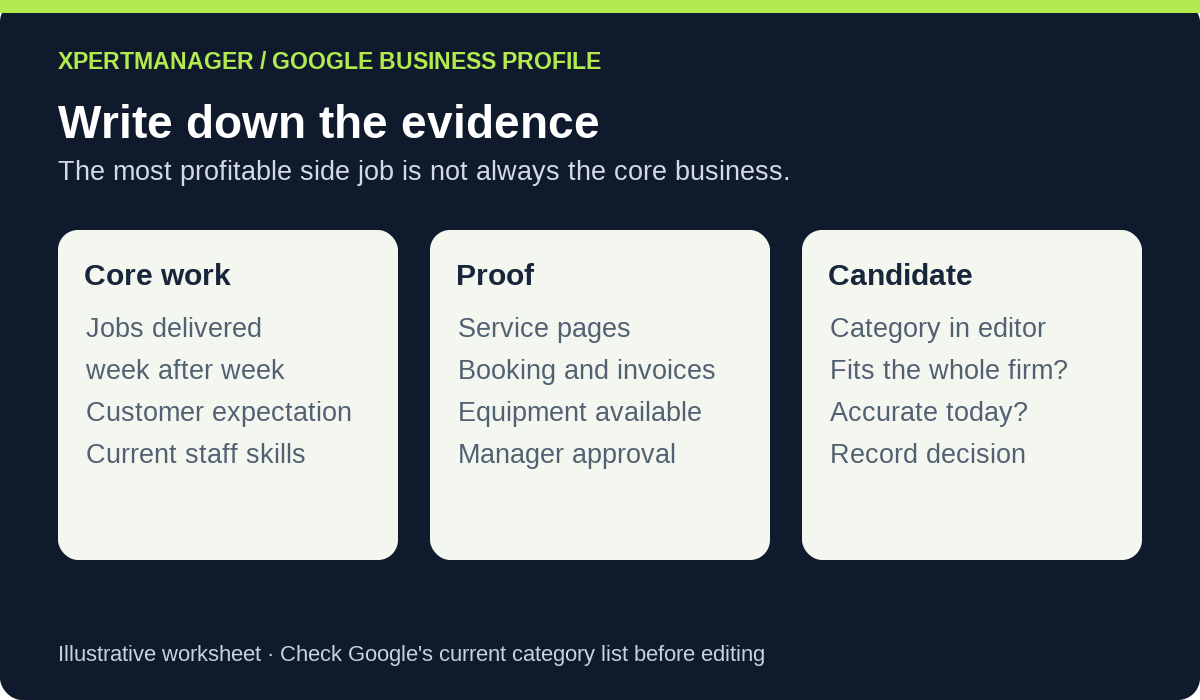
Make a short evidence list: work delivered every week, staff capability, equipment, the services shown on your website and the questions callers ask before booking. Ask the person who handles enquiries what the team routinely accepts and what it refers elsewhere. An advertising campaign for a profitable side service should not rewrite the description of the entire company. Base the decision on the operation customers can use today.
Use Google's ‘is a’ test, not a keyword wish list
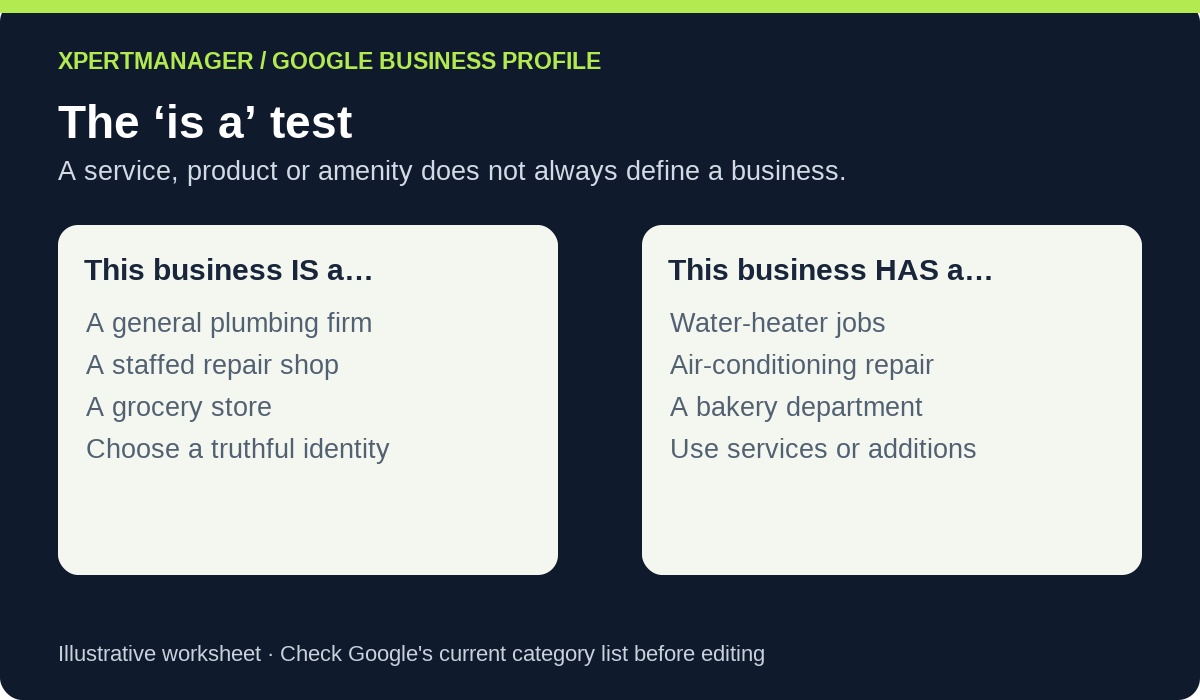
Google's category guidance suggests choices that complete ‘This business is a,’ rather than ‘This business has a.’ A car repair shop may have an air-conditioning service, but the whole company is not necessarily an air-conditioning supplier. A grocery store can have a bakery without being primarily a bakery. This test separates the identity of a business from its products, amenities and occasional jobs.
Search the category field in the actual profile editor. Google requires you to select a choice from its list; you cannot create a custom category. Prefer a specific choice when it honestly fits the overall business. If the precise specialty you want is unavailable, choose a broader truthful option. Labels and availability can change, so record the choices you see rather than relying on a third-party list or the example words in this article.
Worked example: a general plumber and a specialist
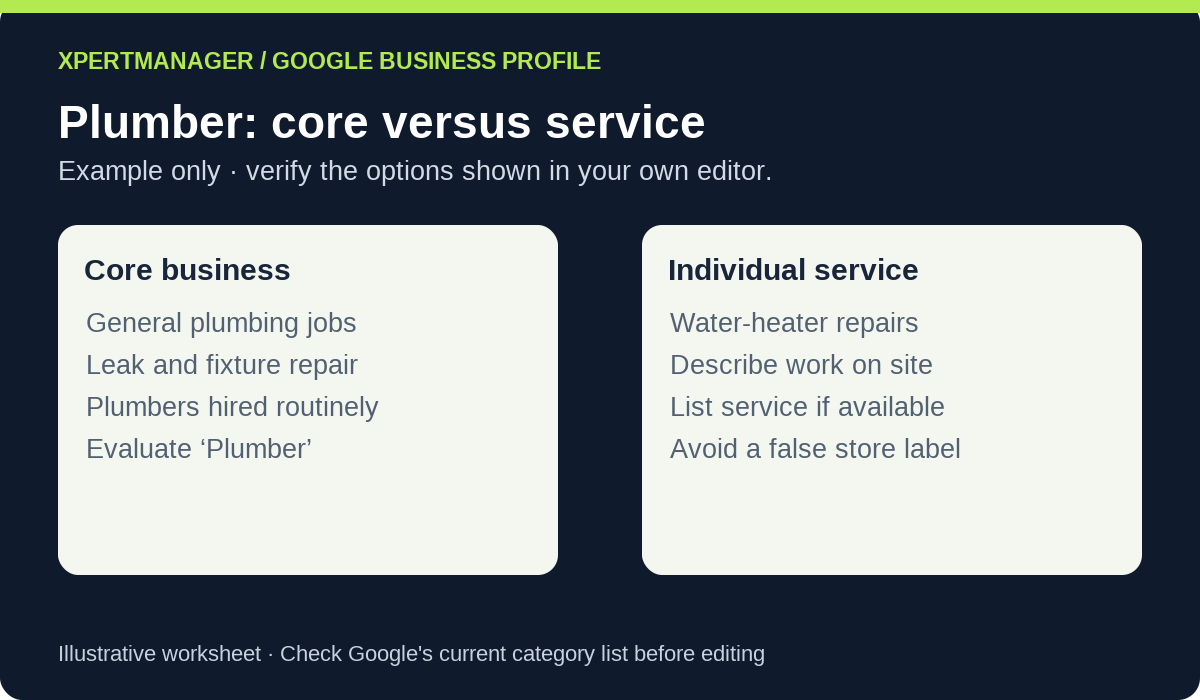
Imagine a US plumbing company that fixes leaks, replaces fixtures and handles water-heater jobs. Customers hire its plumbers, and most work is general plumbing. ‘Plumber’ is a sensible category to evaluate if it appears in the editor. Water-heater repair can be described in the service list and on the website. It does not follow that the company is a water-heater store. If it also runs a genuine retail operation, review that activity on its own facts.
Now imagine a contractor that has stopped general plumbing and works almost entirely on drain cleaning. Compare the available specific options with current jobs, staff, invoices and customer expectations. Do not switch simply because a competitor uses a different label or one service has a high margin. Write down why the chosen description fits the whole business, then ask a colleague outside marketing whether a customer would find it honest. These are illustrative decisions, not predicted rankings.
Worked example: a repair shop with house calls
A staffed auto repair shop that diagnoses and repairs cars should describe its actual shop operation. It might also sell tires and perform oil changes, but those offerings do not automatically define its primary category. List what customers can really book and compare the labels Google presents. If the shop runs a substantial tire operation as part of the same business, an additional accurate category might fit. Do not select a specialty the team cannot consistently fulfil.
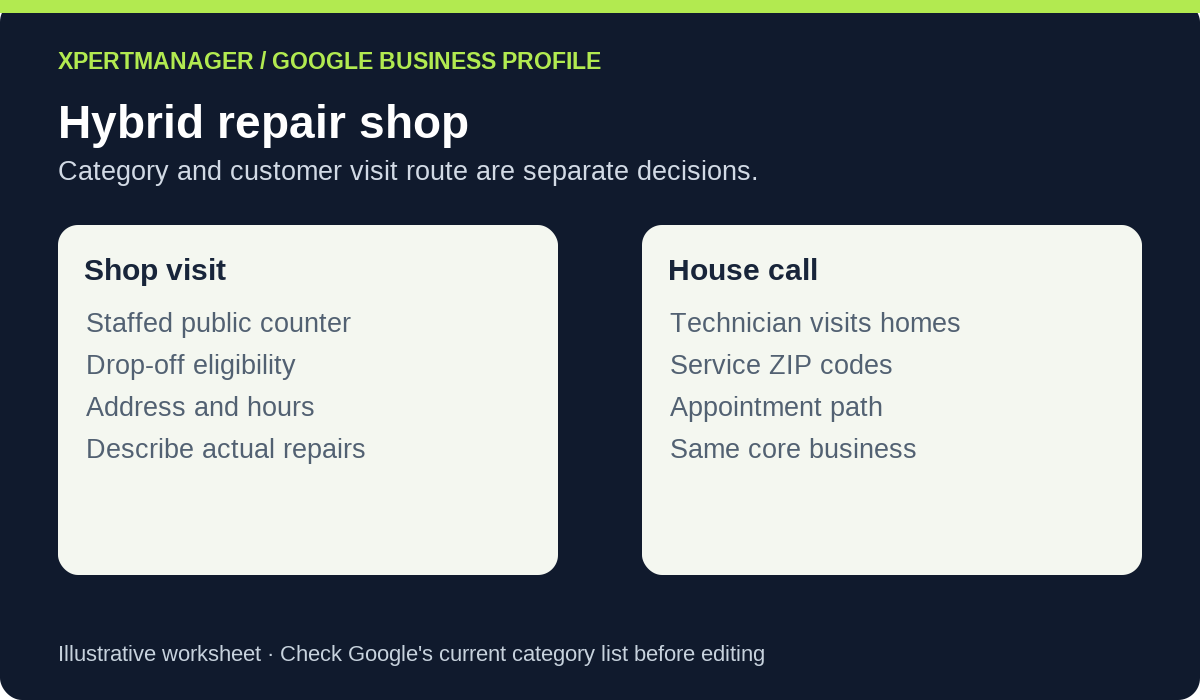
A hybrid appliance business might have a public counter for drop-offs and technicians who visit homes. Address and service-area settings describe how customers reach the business; categories describe what the business is. Review those questions separately. The primary category should still reflect the core operation. The website should offer clear paths for ‘Bring an item to the shop’ and ‘Request an in-home visit,’ with the correct eligibility and hours. Decide separately whether the address should be shown in Google.
Fill in a five-column decision worksheet
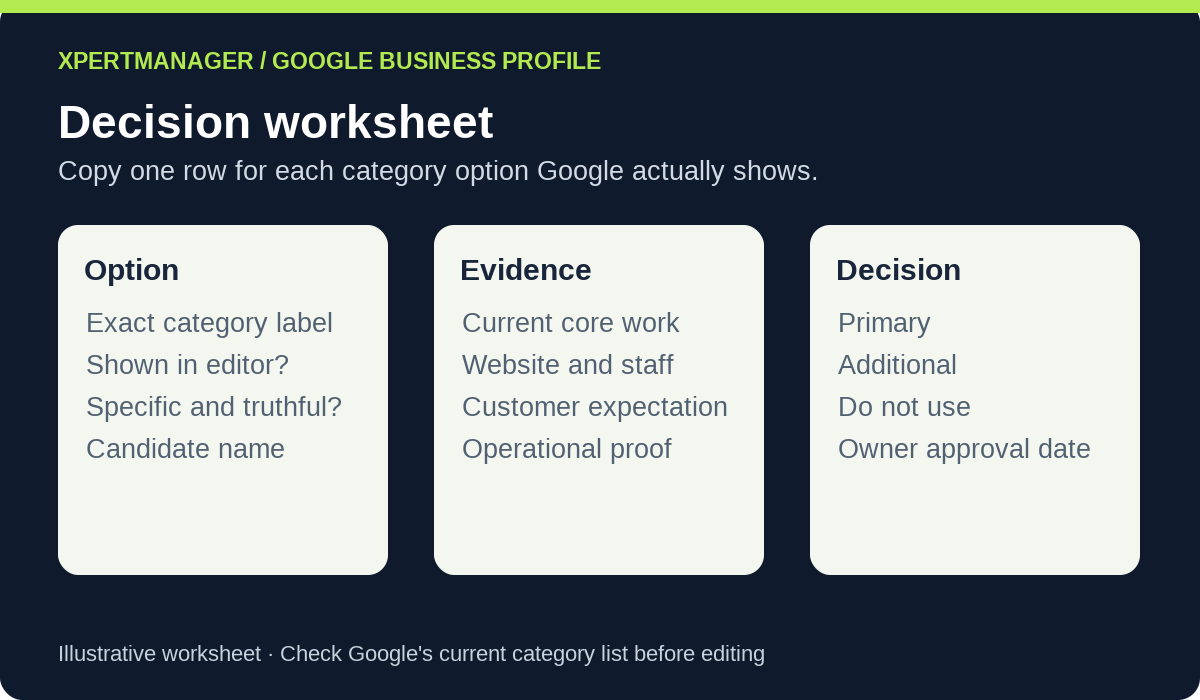
Create one row per candidate. Use these columns: exact option shown in Google's editor; work the business actually does; evidence from current services, staff and website; why a customer would expect that label; and the decision. Mark each candidate ‘primary,’ ‘additional’ or ‘do not use.’ The winner should be the most specific truthful description of the core operation, not the shortest phrase or the phrase with an imagined search volume.
For example, a shop that repairs cars and occasionally sells batteries could record vehicle repair as core work, battery sales as a supporting service, and a battery-specialist label as a mismatch unless it has a real battery operation. Use the actual labels displayed to your account, not these illustrative words. Have the owner approve the row before editing. Keeping the reasons and date lets another manager understand the decision months later.
Choose additional categories sparingly
Google allows one primary category and up to nine additional categories. That is a maximum, not a target. Its guidelines say to use as few as necessary to describe the overall core business. Add another category only if it describes a genuine, meaningful part of the same operation. Do not fill every slot with individual products, amenities, keywords or a more general duplicate of a specific category already chosen.
Google gives a grocery store with a real bakery and deli as an example of a grocery primary category with relevant additions. An independently run cafe inside a store is different; it may need its own profile under Google's department rules. Ask who owns and operates the activity before borrowing its label. For a service company, use the services editor and helpful website pages to explain jobs that do not describe the whole business.
Edit the profile carefully
Sign in to the Google account that manages the correct location. Open its Business Profile, choose Edit profile, and select Edit beside Business category. Enter a candidate in the Primary category box, choose a result from Google's list, review any additional categories, then save. Search and Maps interfaces can vary by device, so follow the labels on your current screen and consult Google's linked instructions if a control has moved.
Google warns that adding or changing a category can require reverification. Before changing a healthy listing, confirm the owner can access the managing account and respond to a verification request. Record the old category and the approval date. After saving, check whether the edit is pending, live or asks for more information. Do not create a duplicate profile because a change is taking time, and do not promise a quick ranking improvement.
Verify what customers can see
Once the edit is live, search the exact business name and city and open the public listing. Check the category, contact path, website, hours and address or service area against the actual operation. Ask someone who did not prepare the worksheet whether a new customer would understand the label. If the profile is under review, resolve that status before treating a change in enquiries as a result of the category choice.
Log the edit date, relevant profile interactions where available, qualified calls and enquiries, and the questions customers ask. Compare equal time windows and allow for seasonality and other website changes. One search from one phone is not a reliable ranking report. If enquiries become less relevant, first check whether the category still fits the business. The free Local Growth Audit reviews available public details and website readiness; private profile editing still requires the owner's Google account.
Avoid these common mistakes
A broad label can obscure a more specific truthful choice. A specialty label may mislead customers when the business cannot regularly perform that work. Filling additional slots with minor services creates a list of keywords rather than a description of the business. Copying a competitor's category ignores differences in staff, departments and actual work. Each mistake is avoidable by checking the current operation and Google's available choices.
Another mistake is changing the category repeatedly after a few days of disappointing searches. Google may review edits, and many other factors affect visibility. First make sure the approved choice appears publicly, then assess a meaningful period of relevant customer outcomes. If the underlying business changes, repeat the worksheet using the new facts. Keep the website, services and real-world operation aligned with the profile instead of trying to solve every local visibility problem through one dropdown.
Good to know
- Use exact category names available in your Google Business Profile editor.
- The worked examples are illustrative, not XpertManager client results.
- Keep a dated record of the old setting, approved choice and public verification.
Common questions
Questions people ask
Can I create my own primary category?
No. Choose from Google's available list. If your precise specialty is unavailable, select a broader truthful category and explain the specialty in your services and on your website.
How many additional categories should I use?
Only the few that accurately describe meaningful parts of the same business. Google permits up to nine additions, but recommends as few as necessary. Individual products and minor jobs usually belong in other fields.
Will changing the category improve ranking immediately?
No result is guaranteed. Categories can affect local ranking, but Google may review the edit or require reverification. Verify the public listing, then examine relevant enquiries over a meaningful period.
Does a shop that makes house calls need a different category?
Not solely because it travels to customers. Choose the label that describes the core business. Separately review whether the listing should show a staffed address, a service area, or both.