
US local business guide
Local SEO for HVAC Companies: A Practical Owner Checklist
Improve your HVAC business’s local search readiness with accurate service areas, useful heating and cooling pages, honest reviews and a clear path to booking.

Quick answer
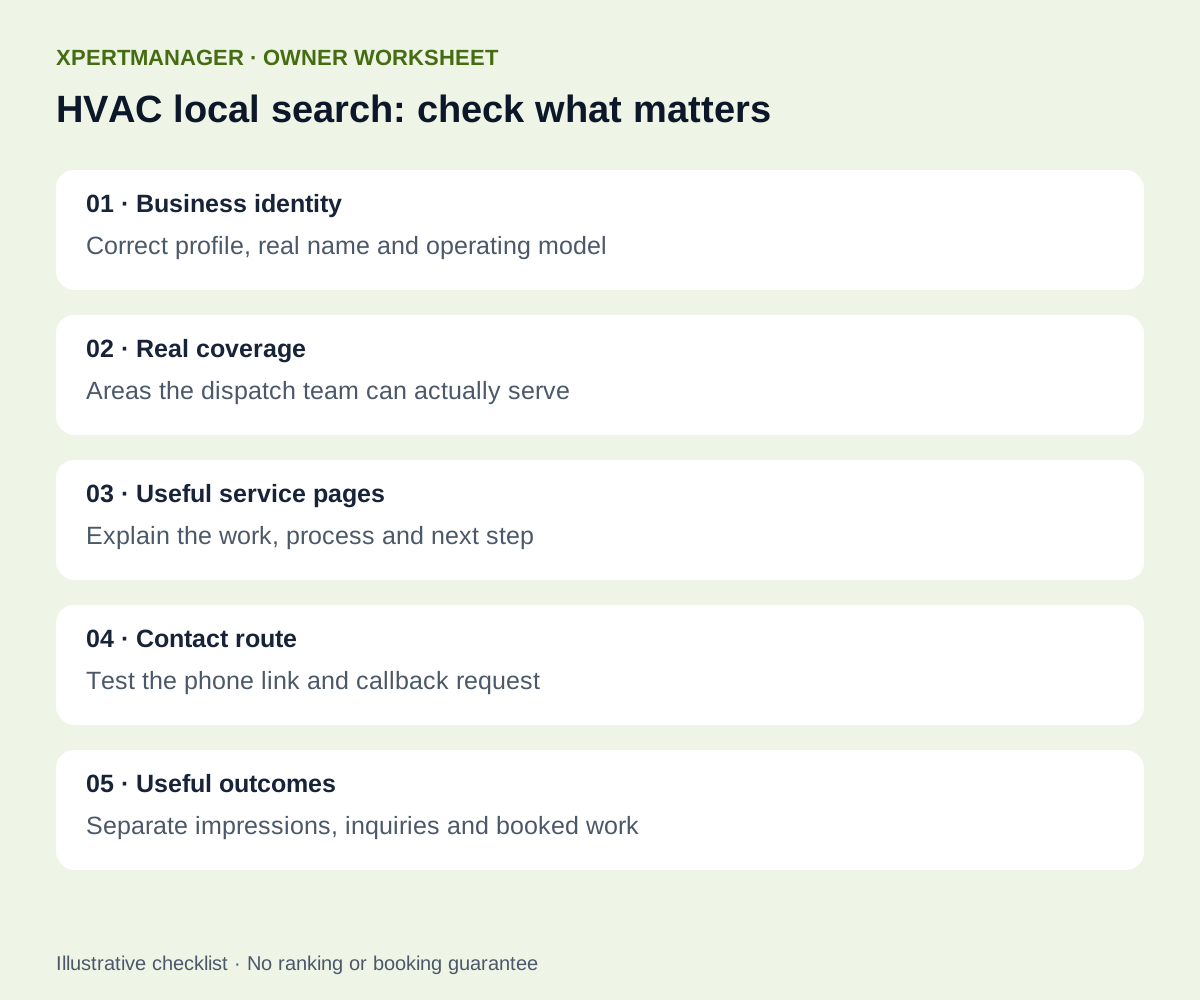
Start with the real business: where your team operates, which heating and cooling jobs it accepts, and how a homeowner can reach it. Then check that your Google Business Profile, service pages and booking process tell the same story. This checklist is for US HVAC owners and their local SEO providers. It prioritizes accurate information and qualified inquiries rather than promising a particular map position.
A simple way to approach it
- 01
Confirm the correct profile and real operating model.
- 02
Describe the service area your team can actually cover.
- 03
Match important services to useful website pages.
- 04
Make it easy to ask about availability and book.
- 05
Collect honest feedback and review qualified inquiries.
1. Establish a reliable profile before chasing rankings
Sign in to the account that manages the existing Business Profile and check its status. Compare the public name, phone number, website, hours and services with your own records. Use the real business name; adding city or repair keywords to a name that the business does not use is not a sensible optimization tactic. Choose categories that describe the business you operate.
An HVAC company that travels to homes and does not receive customers at its base needs a different setup from a staffed customer-facing location. Google says a rented mailing address where the business does not operate is ineligible. Follow its current representation guidance for your actual setup, rather than creating an office listing in every town. Document uncertain eligibility questions before making consequential edits.
2. Make service areas operationally useful
List places your technicians genuinely serve, using specific cities or postal codes. Google allows up to 20 service areas and describes an overall boundary of roughly two hours’ driving from the base. If customers do not visit your address, its guidance says to remove the displayed address and enter the service area. Adding an area does not guarantee that you will rank throughout it.
Build a simple dispatch worksheet: area, jobs accepted, normal availability and who confirms exceptions. An illustrative Phoenix contractor might accept AC repair in one set of neighborhoods and installations across a wider area. That is a planning example, not an XpertManager customer result. Keep public promises aligned with the team’s real capacity.
3. Give heating and cooling services useful pages
Start with the services you actually sell, such as AC repair, furnace maintenance or heat pump installation. A useful page explains what the service covers, what happens when someone contacts you, the actual coverage area and the next booking step. Answer questions customers ask before calling, without publishing unsafe do-it-yourself repair instructions.
A city page should earn its place by helping customers in that location: genuine service coverage, relevant appointment details and authentic local work where you have permission to share it. Avoid copying the same paragraph across dozens of city names. If a page already serves the intent well, improve it instead of making another competing URL.
Illustrative title pattern: “AC Repair in [Actual Service Area] | [Business Name]”. Use “24/7” or “same-day” only when your operation supports that claim and explain any conditions. Never manufacture license numbers, certifications, brand authorizations, prices or job photos.
4. Check the homeowner’s route from search to contact
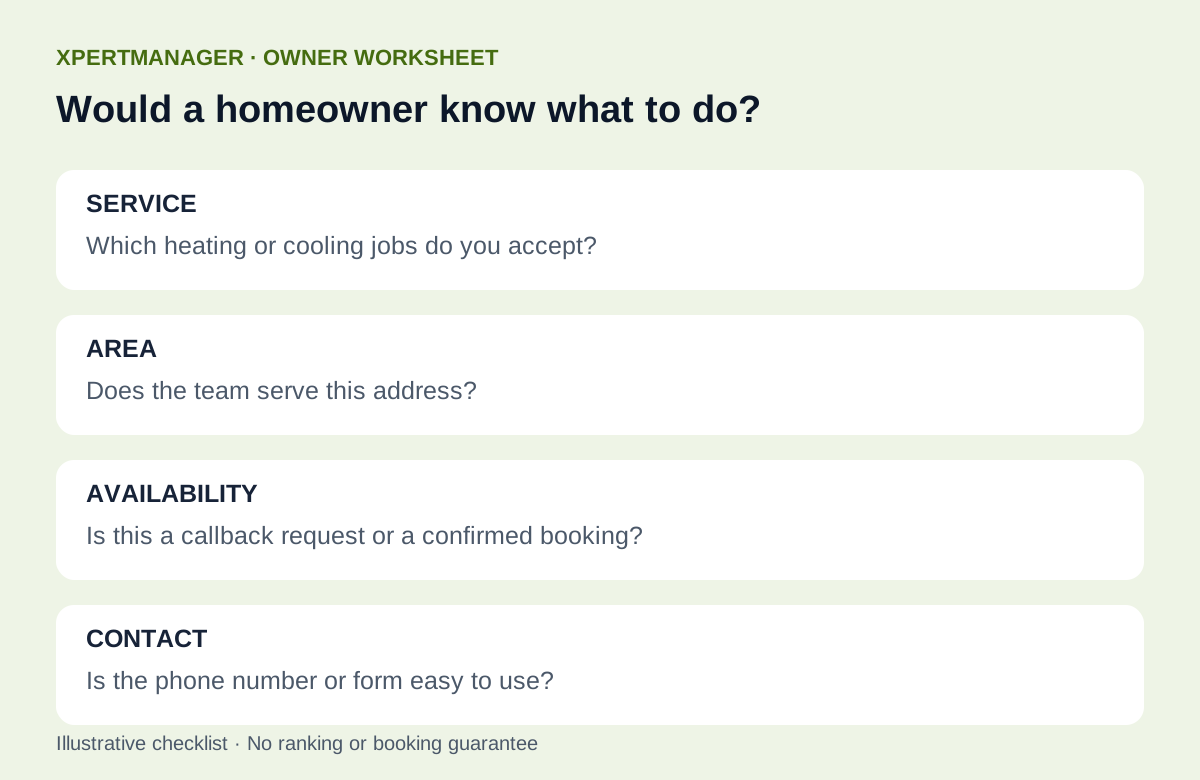
Open the website on a phone. Can a homeowner see the service, coverage and contact route without searching through menus? Test the phone link and form with your own agreed test procedure. Explain whether a form requests a callback or confirms an appointment; they are different commitments.
Measure a small number of useful outcomes if tracking is actually configured: calls, valid quote requests and booked jobs. A click on a phone link is not proof that a call connected. Ask the office which inquiries were suitable for the company and which could not be served. Keep private customer records out of public SEO reports.
5. Use genuine feedback and authentic work
Offer customers a neutral, optional opportunity to leave honest feedback after a suitable completed interaction. Do not offer discounts for reviews or route only happy customers to Google. Use the correct branch link and let the customer write in their own account. Our existing review request guide covers this process in more detail.
Use photographs of your actual team and work only with appropriate permission, and explain what they show. A stock photograph can illustrate a guide, but should never be labeled as your installation or your customer. Respond to feedback professionally without revealing private job details.
6. Read search performance in context
Compare settled periods in Search Console and Bing, separating branded searches from service searches where the data permits. Review the country, device and page mix. A low site-wide CTR does not establish that every title is poor: positions, search intent and the kinds of queries all affect what the total means.
For a particular HVAC service page, pair the queries that receive impressions with what the page actually offers. Rewrite a title only when it misrepresents the service or there is sufficient evidence of a mismatch. Keep a dated change record, then allow new data to accumulate rather than changing titles every few days.
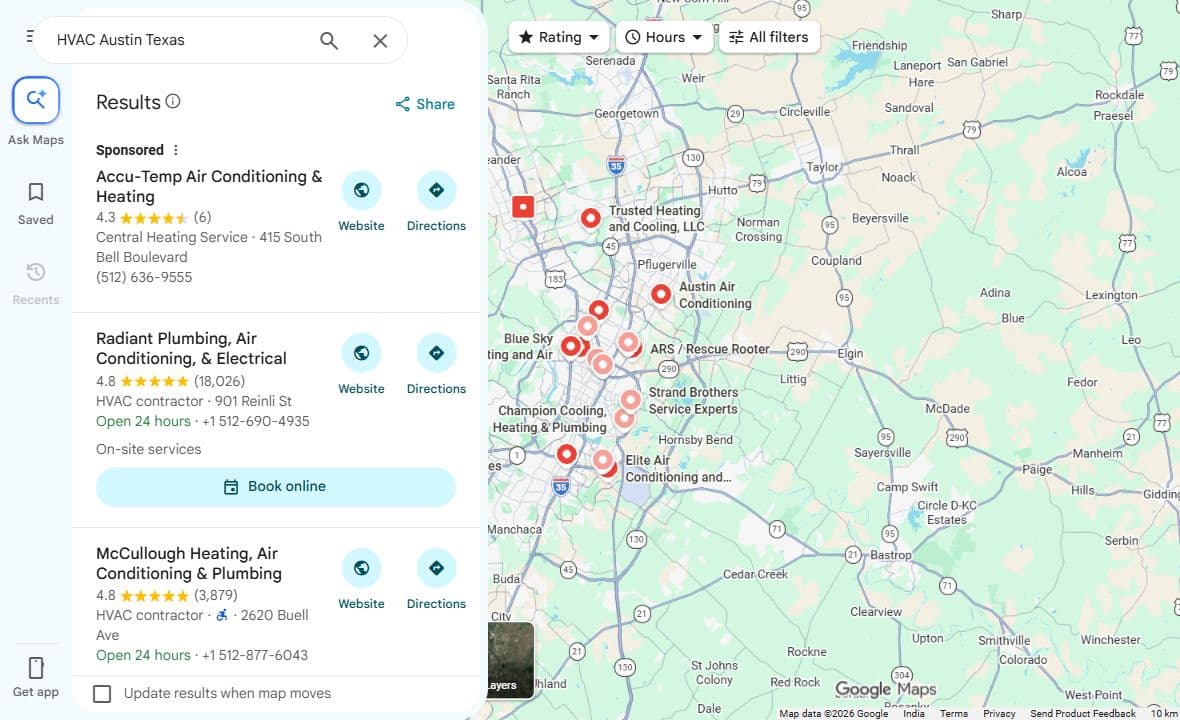
Google explains local results using relevance, distance and prominence. You cannot remove distance as a factor simply by adding more city names. Distinguish map observations from website search performance, and label the date and search context of any screenshot.
A practical first-week work list
Day one: record the correct profile, operating model and current contact details. Day two: compare the dispatch area with the public service-area claims. Day three: review the most important service page and remove unsupported availability claims. Day four: test the mobile contact route. Day five: agree on a neutral review invitation process and a short measurement record. These are suggested work steps, not a five-day ranking promise.
Use the free Local Growth Audit for an initial look at available public business details, nearby comparisons and website readiness. It does not access private profile settings, track HVAC map positions across a city or guarantee bookings. A broader local SEO engagement should explain which manual checks remain, who owns each task and how results will be measured.
Good to know
- Use real coverage and availability; do not create fictitious locations.
- Separate search impressions, contact clicks and qualified booked work.
- No checklist guarantees a position, call volume or deadline.
Common questions
Questions people ask
Does listing more service areas guarantee wider rankings?
No. Service areas should describe where you operate. Google also considers relevance, distance and prominence; adding places does not guarantee visibility there.
Should an HVAC company create a profile for every city?
Do not create extra profiles merely to target keywords. Follow Google’s eligibility guidance for genuine business locations and the operating model you actually use.
Do I need a separate page for every suburb?
Only create a page when it provides distinct, useful information for customers you genuinely serve. Improve an existing matching page before adding a duplicate.
Can the Local Growth Audit track HVAC rankings?
It is an initial public-information and website-readiness check, not a geographic rank tracker or private Business Profile management service.